Building Websites with Free AI Tools: A Beginner's Guide
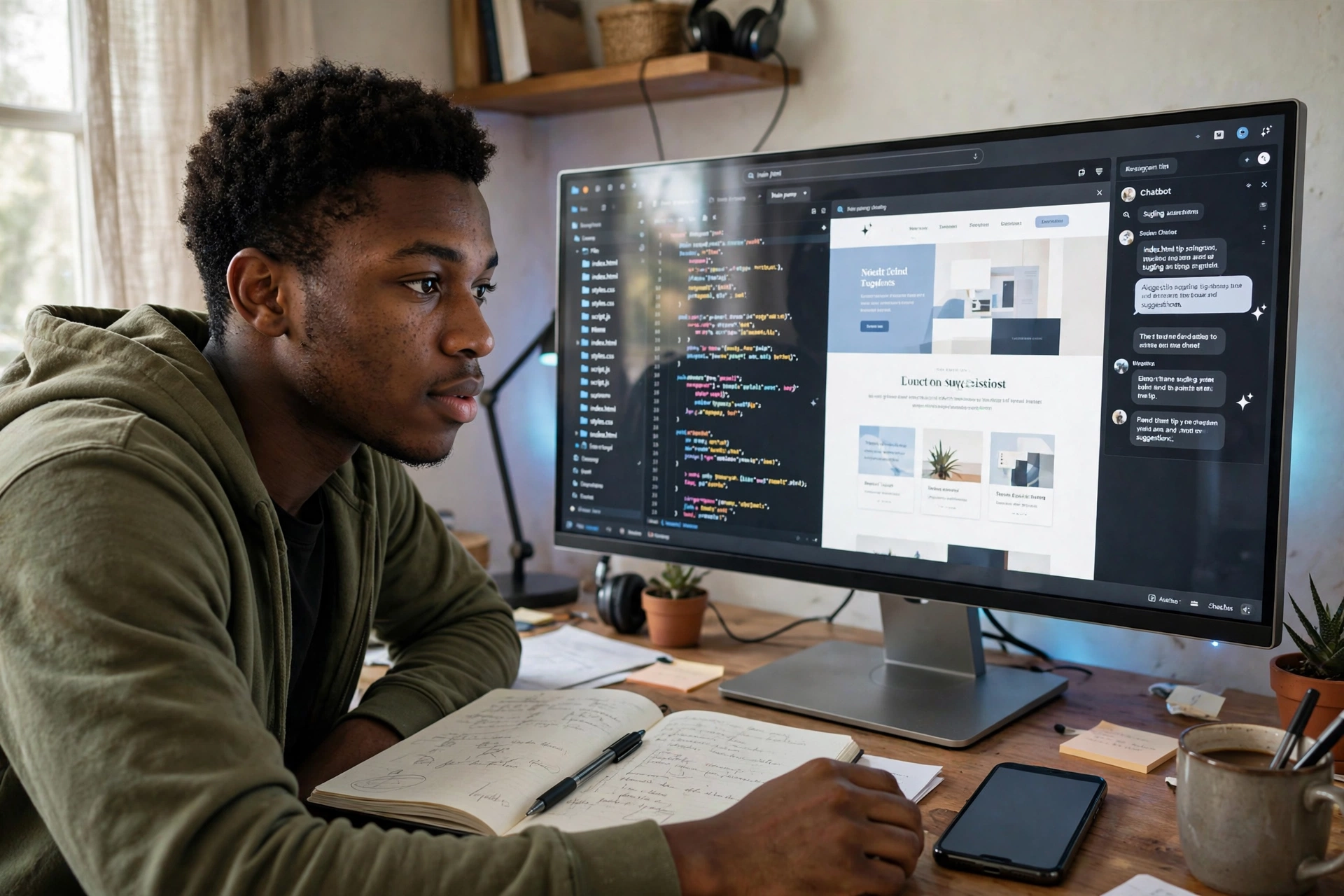
Learning to build websites can feel overwhelming at first. You encounter HTML, CSS, JavaScript, code editors, terminal commands and unfamiliar errors. Sometimes, you understand what you want to create but struggle to translate the idea into working code.
This is one reason AI coding assistants have become useful learning tools. They can explain code, suggest solutions, help organise a project and guide you through problems. The encouraging part is that you do not always need a paid subscription to begin experimenting with AI-assisted development.
What does an AI coding assistant do?
An AI coding assistant is a tool that helps you work with programming code. You can describe what you want to build, ask questions about unfamiliar code, request explanations or use it to investigate errors.
For example, you might ask it to create a simple navigation bar, explain why a button is not working or show you how HTML connects to CSS and JavaScript.
Instead of struggling alone, you have a tool that can help you understand the next step. However, the quality of its answer depends on the tool, the task and the instructions you provide.
Start with the tools you already have
Visual Studio Code (VS Code) is a code editor that allows you to create, organise and edit your project files. You can use it to work with HTML, CSS, JavaScript and many other programming languages.
For a basic website, you might have three files:
index.htmlcontains the structure and content of the page.style.csscontrols the appearance, including colours, spacing, fonts and layout.script.jsadds behaviour, such as responding to button clicks or changing content.
AI can help you create these files, but it is important to understand how they work together. If the page looks unstyled, for example, you might need to check whether the HTML correctly links to the CSS file.
What about free local AI tools such as Ollama?
Ollama allows you to run supported AI models locally on your computer. Rather than sending every prompt to a paid online AI service, you can download a model and interact with it on your own machine.
This can be useful if you want to experiment without paying for each message. Once the model is downloaded, using it locally does not normally involve a per-message AI service charge. You still need to consider electricity, storage space, computer performance and the time required to download the model.
Local AI also has limitations. Smaller models may struggle with complex programming tasks, produce code that needs correction or lose track of important details in a large project. A model that runs comfortably on one computer may run slowly on another.
For this reason, choose a model that your computer can handle and begin with small tasks. Ask it to explain a function or help build one component before asking it to design an entire application.
How to get better results from AI
The way you describe a task can make a significant difference. A request such as "build me a website" leaves many important details unclear. The AI has to guess the layout, colours, features and file structure.
A more useful instruction explains what you want, which files are involved and what should remain unchanged.
For example, instead of writing:
Make my website better.
You could write:
Improve the spacing and mobile layout of my existing website. Keep the current colours, navigation links and article content. Inspect the existing CSS first, explain the proposed changes, and provide a complete replacement CSS file without changing the HTML or JavaScript.
The second instruction gives the assistant a clearer goal and reduces the chance of unnecessary changes.
Five habits that will help you
- Give specific instructions. Explain the feature you want, the problem you are experiencing and the result you expect.
- Work on one problem at a time. Fixing one issue before introducing another makes it easier to identify what worked.
- Ask for explanations. Do not just accept code. Ask what each important section does and why it is necessary.
- Test the result. Run the website, click the buttons, resize the browser and check for errors. Code that looks correct in a response is not necessarily working code.
- Keep backups or use Git. Before changing working files, make it possible to return to an earlier version if something goes wrong.
Do not let AI replace your learning
One of the easiest mistakes for a beginner is to copy code without understanding it. The application may work temporarily, but when an error appears or you need to add a feature, you may not know where to begin.
Whenever AI gives you code, take time to read it. Ask questions about unfamiliar terms. Change a small part and observe what happens. Try to explain the result in your own words.
You do not have to memorise every line. What matters is gradually learning how the pieces fit together and developing the confidence to investigate problems.
A simple way to begin today
Choose a small project, such as a personal profile page. Use HTML to add your name, introduction and links. Use CSS to make the page attractive. Add a simple JavaScript interaction, such as a button that changes a message.
If you get stuck, ask an AI assistant to explain the problem or guide you through the next step. Test each change before moving on.
Once the page works, improve it gradually. Add a navigation menu, make it responsive on mobile screens or organise the code into clearer sections. Each improvement becomes an opportunity to practise.
Final thoughts
Free AI tools can make learning web development more accessible. Tools such as VS Code give you a place to write and manage code, while local AI models can offer assistance without a recurring per-message AI service charge.
But no tool automatically makes you a good developer. Your progress still depends on practice, curiosity, testing and your willingness to understand the code you use.
Start with what you have. Build something small, ask better questions, learn from your mistakes and improve one step at a time.
The goal is not simply to use AI to build a website. The goal is to become someone who understands how to build, improve and maintain one.